What you need before you start
- A TikTok Ads Manager account and a campaign objective that supports Spark Ads
- A creator who has agreed, in writing, to let you run the post and for how long
- The video posted on the creator's TikTok account, with its final caption
- Usage rights that cover paid ads, separate from the Spark authorization
- An agreed disclosure for the ad
TikTok's About Spark Ads page explains that Spark Ads boost organic posts, that you can use other creators' posts only with their authorization, and that views, likes, comments, shares and follows from the boost are credited to the original post. That is why the creator, not you, starts the process.
Get the agreement settled before anyone touches a menu. Write down which post, which platform, how long, what you will pay for it, and how the ad will be labeled. Spark authorization only lets you boost that one post from the creator's account; it is not a license to download the video and run it elsewhere. If you also want to run the file from your own account, that needs usage rights in the agreement too.
Step 1: the creator generates the code
According to TikTok's guide for Smart+ campaigns, the creator:
- Makes sure authorized posts are allowed in their TikTok settings
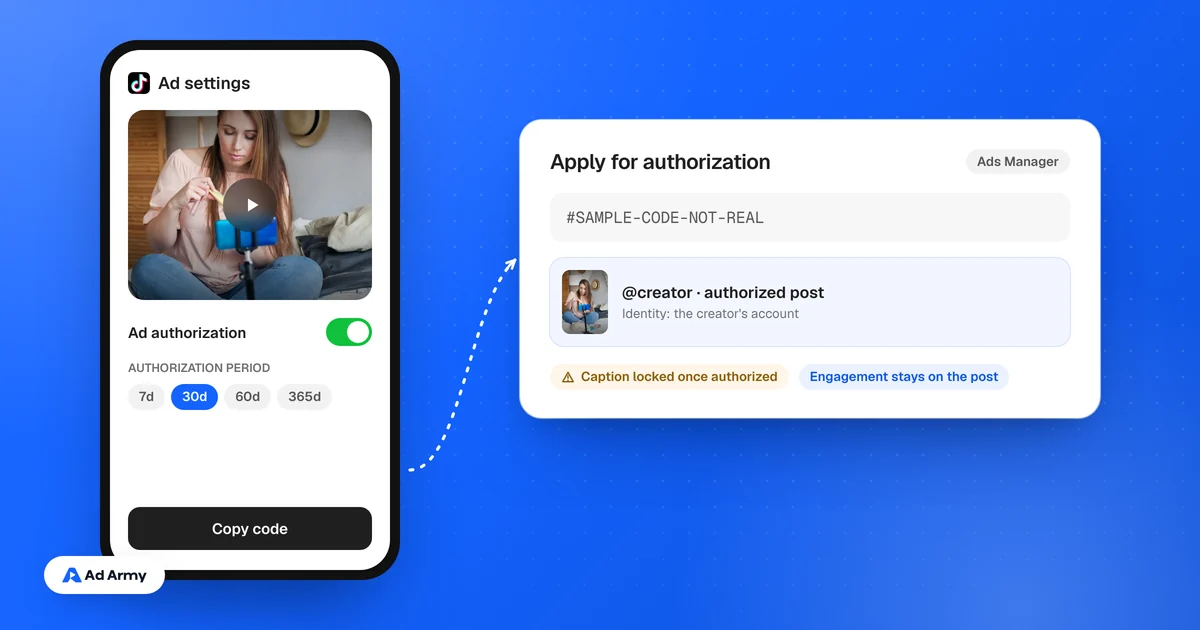
- Opens the video, taps the three dots, then Ad settings
- Accepts the advertising content terms
- Turns on the Ad authorization toggle
- Generates a video code and picks an authorization period of 7, 30, 60 or 365 days
- Taps Copy code and sends it to you
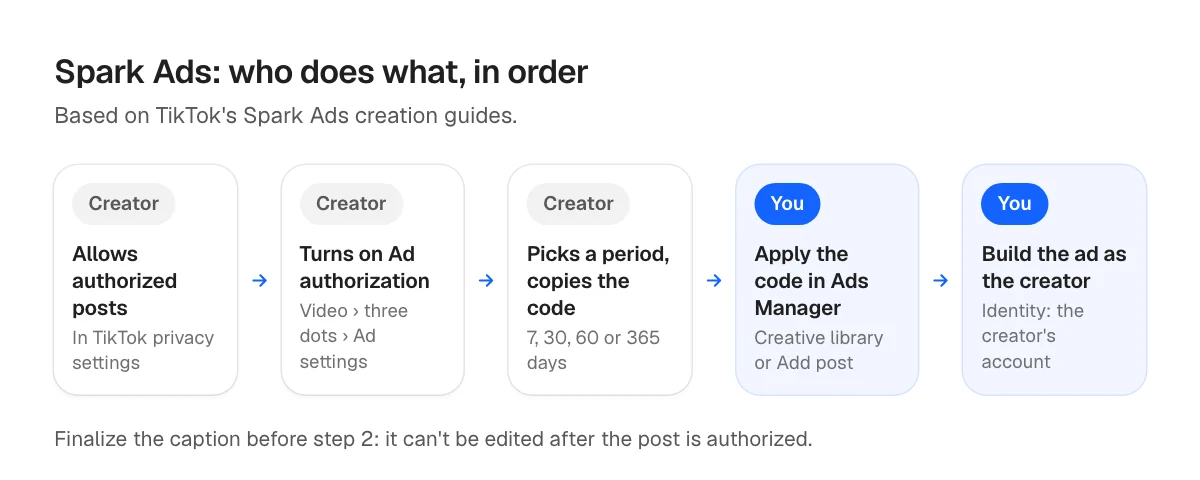
Ask for the code only after the caption is final. TikTok's guide for manual and search campaigns notes that captions can't be edited after a post is authorized.
Step 2: you add the code in Ads Manager
There are two routes, and TikTok documents both. Smart+ and manual campaigns label the screens slightly differently, so follow the guide for the campaign type you use.
- From the creative library: go to Tools, then Creative library, open Spark ads posts and choose Apply for authorization. Paste the code, search, check it is the right post and confirm.
- While building an ad: in the ad's creative section, choose to add videos, open the TikTok posts tab and click Add post. TikTok's manual campaign guide says you can batch authorize up to 20 codes at a time and review each post's authorization period there.
Menu names move around as Ads Manager changes. If a label doesn't match, search TikTok's help center for the current Spark Ads creation guide.
Step 3: build the ad from the creator's post
Select the authorized post and set the identity to the creator's TikTok account, so the ad shows their name and handle. TikTok's About Spark Ads page says the ad's display name and text reflect the organic post, which is another reason to settle the caption early. Finish the destination and tracking settings, then publish.
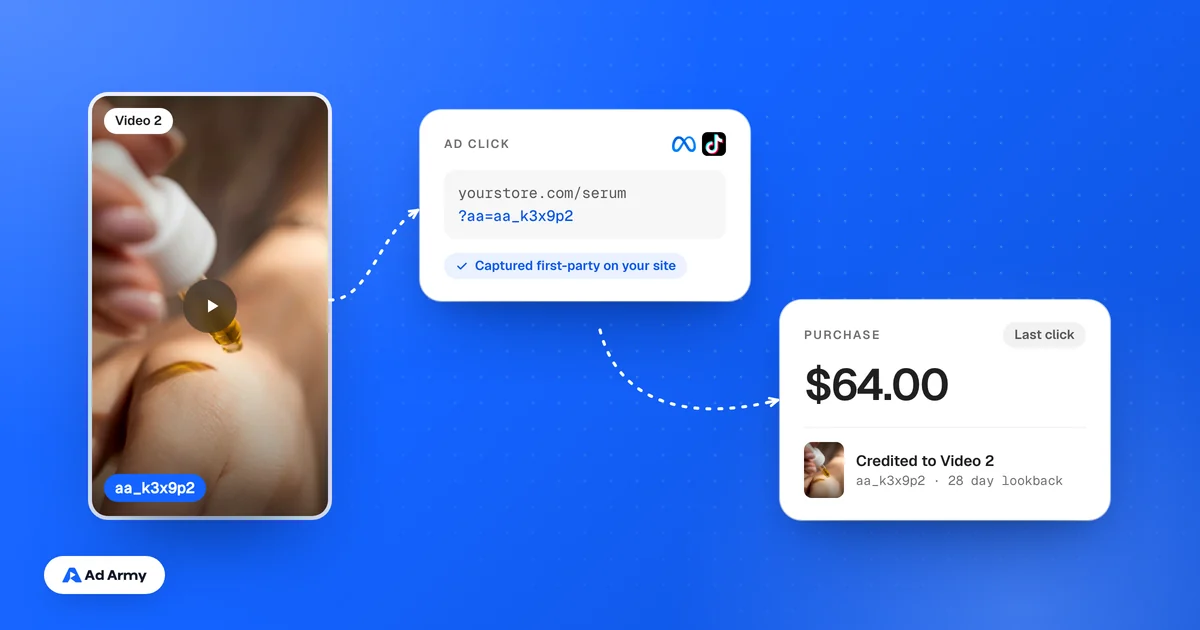
If you track sales per video, put your tracking on the ad's destination link. Our guide to finding which UGC video drove sales covers how.
Choosing the authorization period
| Period | Good for | Watch out for |
|---|---|---|
| 7 days | A quick test of one post | Short for scaling a winner |
| 30 days | A standard test and early scaling | Plan the renewal before it lapses |
| 60 days | A campaign with a known end date | Agree the fee for the full period |
| 365 days | An evergreen winner | Creators may ask more for a longer period |
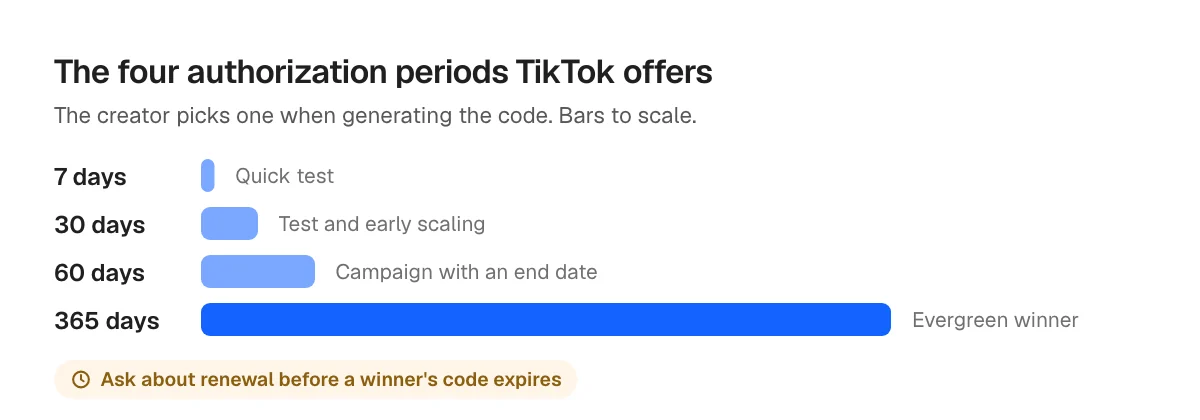
Match the period to what you actually agreed with the creator. If a winner needs longer, ask before the code expires rather than after the ad stops. If it lapses, plan on asking the creator for a fresh code.
Common problems and fixes
| Problem | Likely cause | Fix |
|---|---|---|
| The code isn't accepted | Expired, mistyped or for a different post | Ask for a fresh code for the exact post |
| The caption is wrong | It was authorized before the caption was final | A repost with a new code is the only route, and it starts from zero engagement |
| The post is rejected | TikTok rejects banned organic posts | Pick a different post |
| The creator wants to delete the video | It is still authorized as a Spark Ad | Un-authorize it first, then delete |
| A private video went public | Posts used in campaigns become public | Agree on this with the creator up front |
The Meta version: partnership ad codes
Meta works the same way in principle. On Instagram, the creator opens the post, taps the three dots, then Partnership label and ads, turns on Get partnership ad code and copies the code to send you, per Meta's help page on partnership ad codes. Switching the toggle off stops new ads from using the code, but ads already running continue.
How Ad Army handles Spark Ads
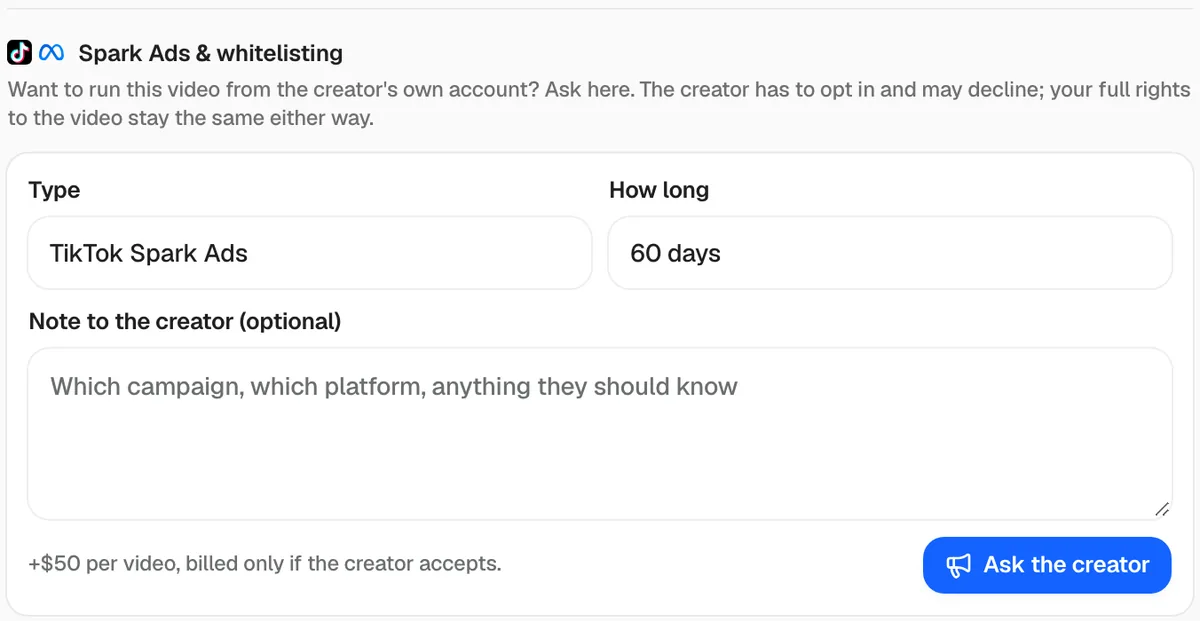
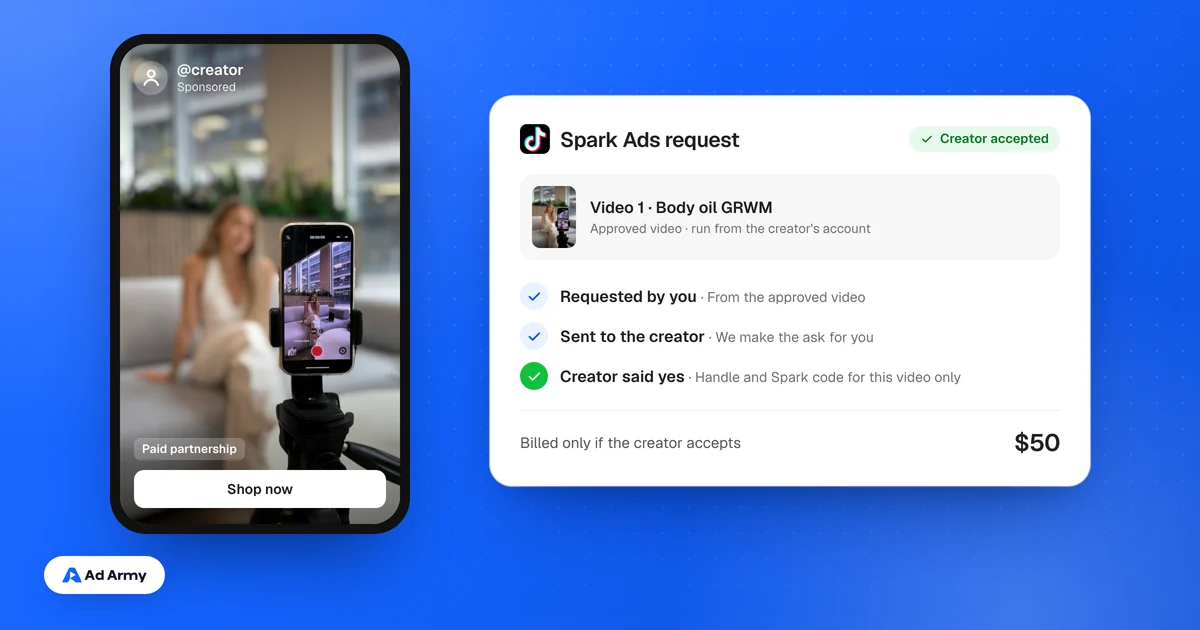
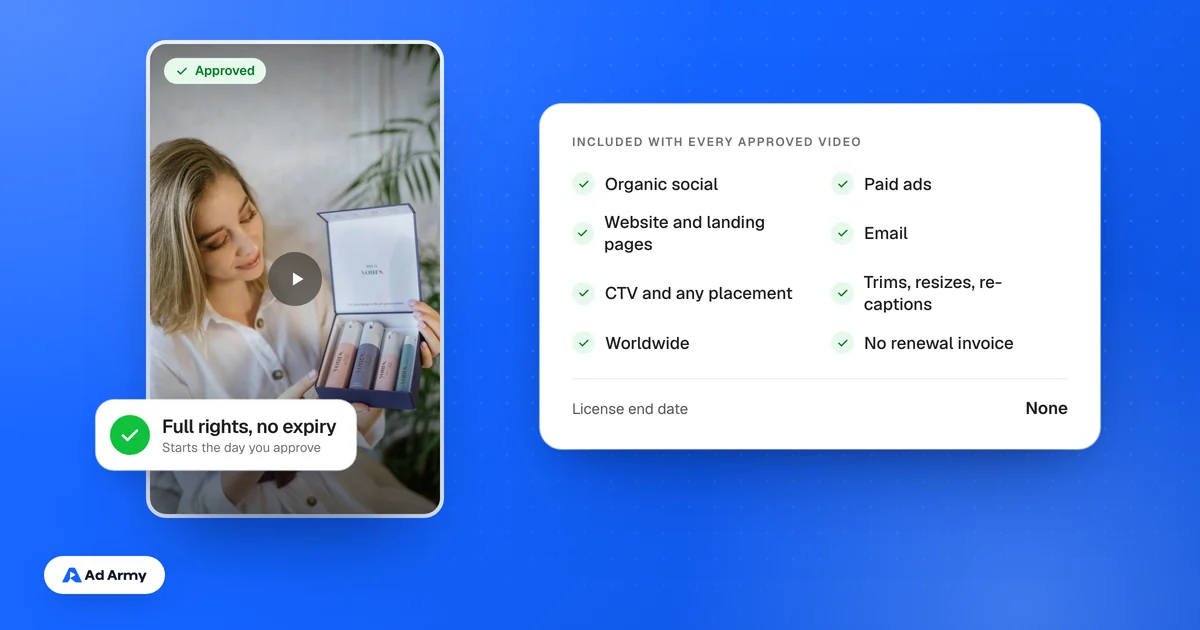
Every approved Ad Army video comes with full content rights, so you can always run it from your own account. Spark Ads or whitelisting is an add-on we request for you from the approved video, for a set type and duration. It always needs the creator's OK. If they accept, you get the code for that video and pay a flat $50; if they decline, you pay nothing extra. Our guide to what whitelisting and Spark Ads cost explains why creators charge for it.