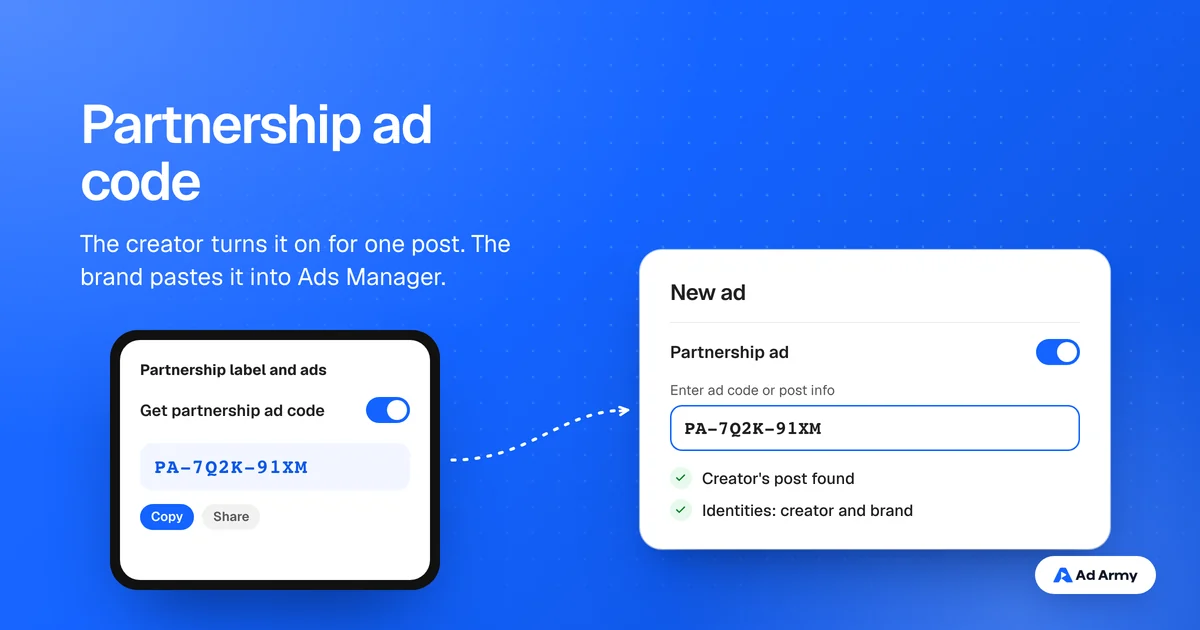

What a partnership ad code does
A partnership ad runs as an ad from a creator's post, showing the creator's handle, often alongside the brand's. Meta now calls branded content ads partnership ads (About partnership ads). The ad code is how the creator gives a brand permission to use one specific post: the creator generates it, sends it, and the brand pastes it into Ads Manager.
The code covers that post only. It is not a license to download the video and run it elsewhere, and it is not access to the creator's whole account. If you also want to run the file from your own account, you need usage rights in your agreement too.
What you need first
- The creator has a professional Instagram account, or a Facebook Page or profile in professional mode
- Both sides meet Meta's eligibility rules for partnership ads and branded content
- The post is in a format partnership ads support (Meta shows a notice when it is not)
- A written agreement on which post, for how long, the fee and the disclosure
- The brand has a Meta ad account; Meta recommends linking its Instagram and Facebook accounts
Meta lists these requirements on its help page for creating a partnership ad code. Settle the agreement first: the code is easy to turn on, but the terms behind it are what you will need later.
How the creator creates the code
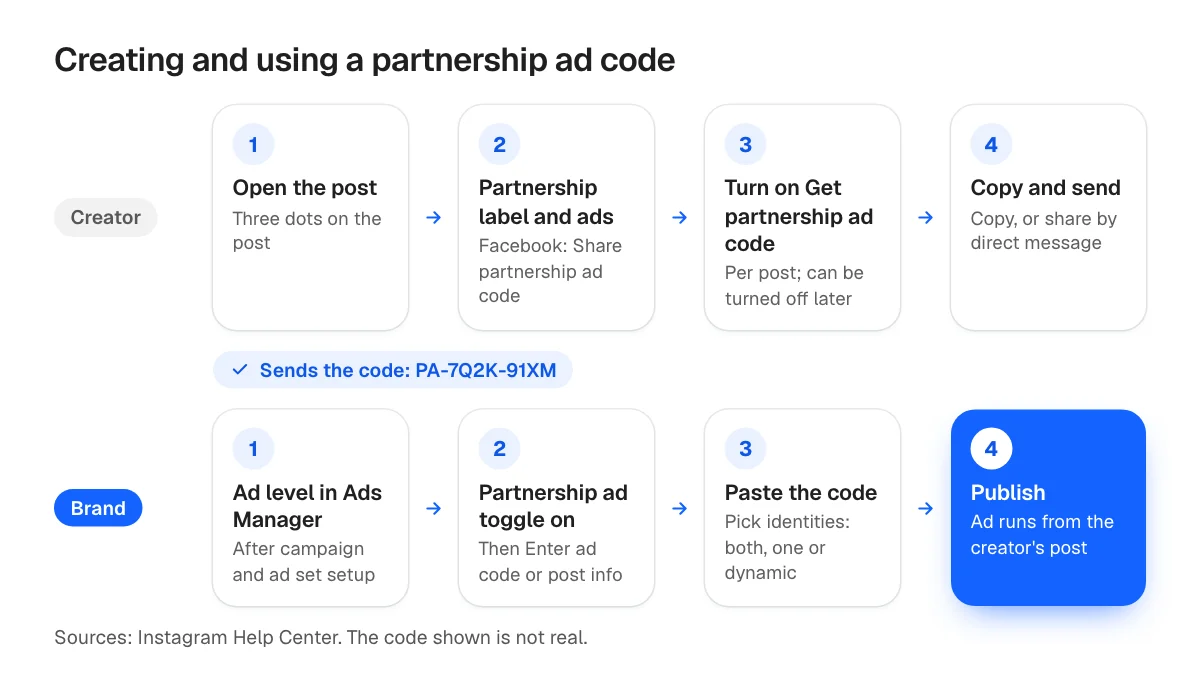
On Instagram, while posting: when creating the post, reel or story, tap Partnership label and ads (for stories, the tag icon at the top), turn on Get partnership ad code, then share. Copy the code, or send it by direct message.
On Instagram, after posting:
- Open the post on your profile and tap the three dots
- Tap Partnership label and ads
- Turn on Get partnership ad code
- Tap Copy, or Share to send it by direct message
On Facebook, after posting: open the post, tap the three dots, tap Share partnership ad code, turn on Get partnership ad code and copy it. Meta documents the Facebook route only for existing posts.
Meta's page also says up to two partners can use a code at the same time, and that a creator can turn the toggle off: new ads can no longer use the code, while ads already running continue. A creator can generate a new code at any time.
How the brand uses the code in Ads Manager
Per Meta's guide to creating a partnership ad:
- Create a campaign and set up the ad set as usual
- At the ad level, turn on the partnership ad toggle
- Click Enter ad code or post info and paste the code
- Choose which identities show in the ad header: both accounts, one, or dynamic
- Finish the creative and destination, then publish
Put your tracking on the destination link so you can see which creator's post drives sales; our guide to finding which UGC video drove sales covers how.
Ad codes vs account permissions
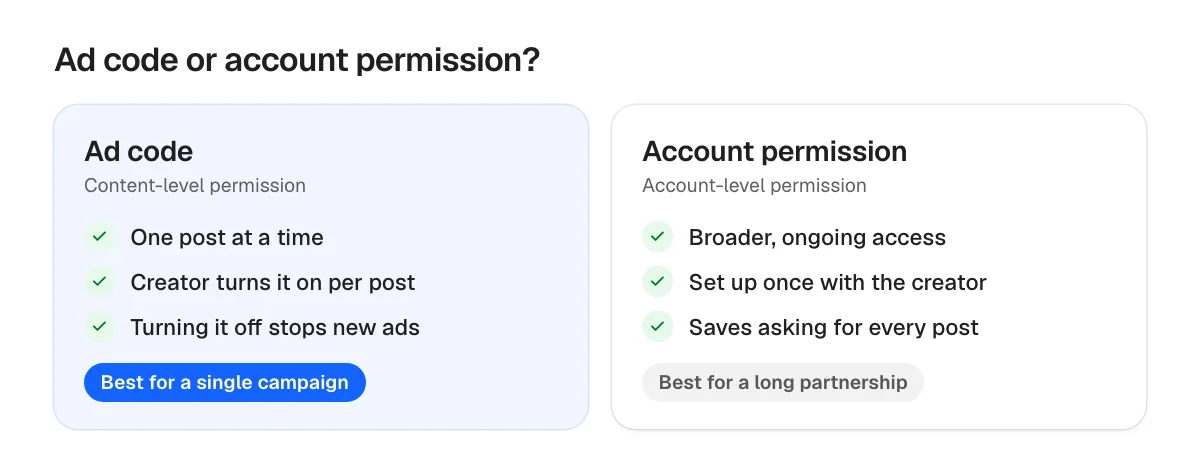
An ad code is a content-level permission: one post, turned on by the creator. Meta also offers account-level permissions, which give a brand broader access for ongoing partnerships; its page on partnership ad permissions describes content-level permissions as more restrictive and suited to specific promotions. For a single campaign, a code per post is cleaner; for a long-running creator relationship, account permissions save asking every time.
Partnership ad code vs TikTok Spark code
Who generates it
- Meta partnership ad code
- The creator, per post
- TikTok Spark Ads code
- The creator, per post
Where
- Meta partnership ad code
- Partnership label and ads (Instagram) or Share partnership ad code (Facebook)
- TikTok Spark Ads code
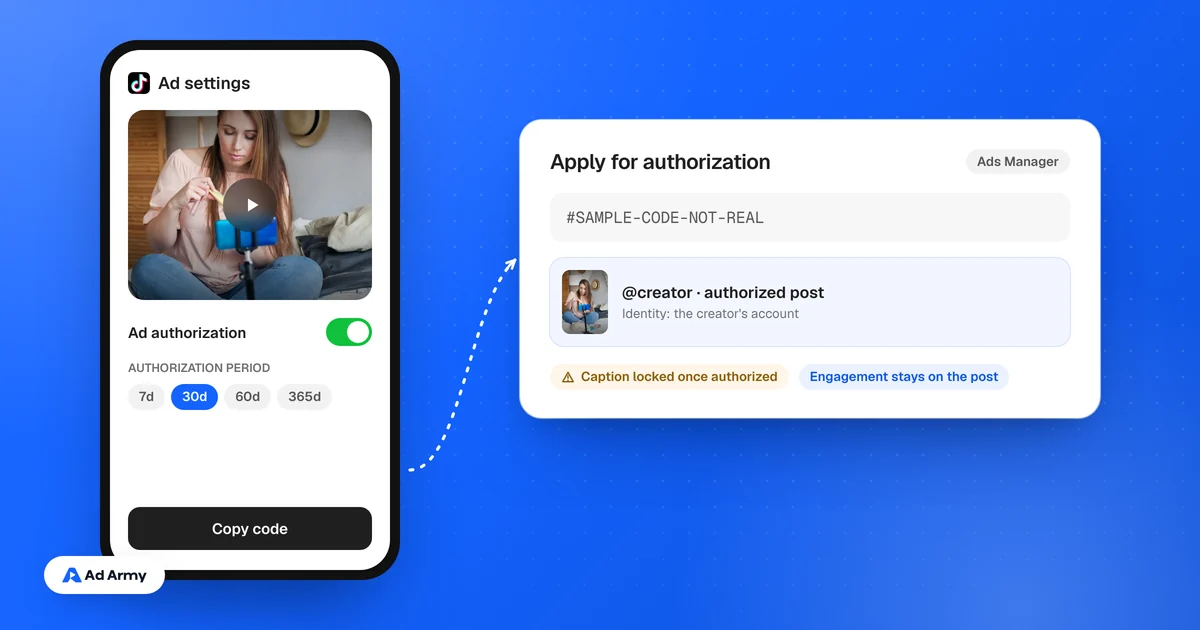
- Video, then Ad settings, then Ad authorization
Where the brand pastes it
- Meta partnership ad code
- Ads Manager, ad level, Enter ad code or post info
- TikTok Spark Ads code
- TikTok Ads Manager, TikTok posts tab, Add post
How long it lasts
- Meta partnership ad code
- Until the creator turns it off; running ads continue
- TikTok Spark Ads code
- A period the creator picks: 7, 30, 60 or 365 days
Batch
- Meta partnership ad code
- Up to two partners per code
- TikTok Spark Ads code
- Up to 20 codes at a time (TikTok guide)
| Item | Meta partnership ad code | TikTok Spark Ads code |
|---|---|---|
| Who generates it | The creator, per post | The creator, per post |
| Where | Partnership label and ads (Instagram) or Share partnership ad code (Facebook) | Video, then Ad settings, then Ad authorization |
| Where the brand pastes it | Ads Manager, ad level, Enter ad code or post info | TikTok Ads Manager, TikTok posts tab, Add post |
| How long it lasts | Until the creator turns it off; running ads continue | A period the creator picks: 7, 30, 60 or 365 days |
| Batch | Up to two partners per code | Up to 20 codes at a time (TikTok guide) |
The full TikTok walkthrough is in how to set up TikTok Spark Ads with a creator's video.
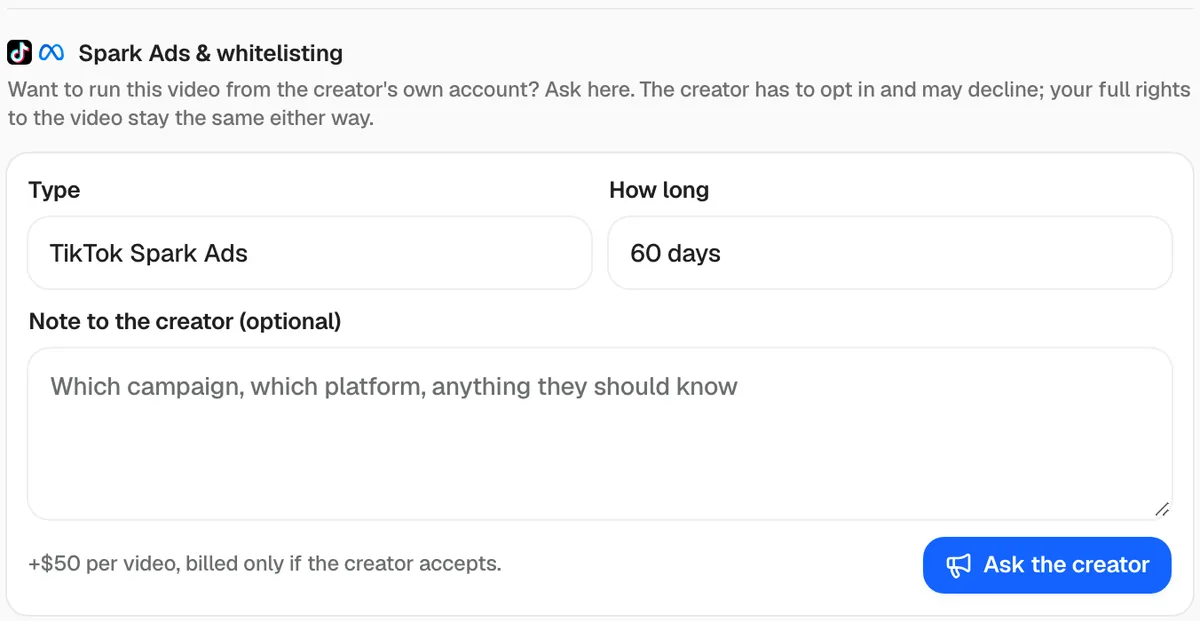
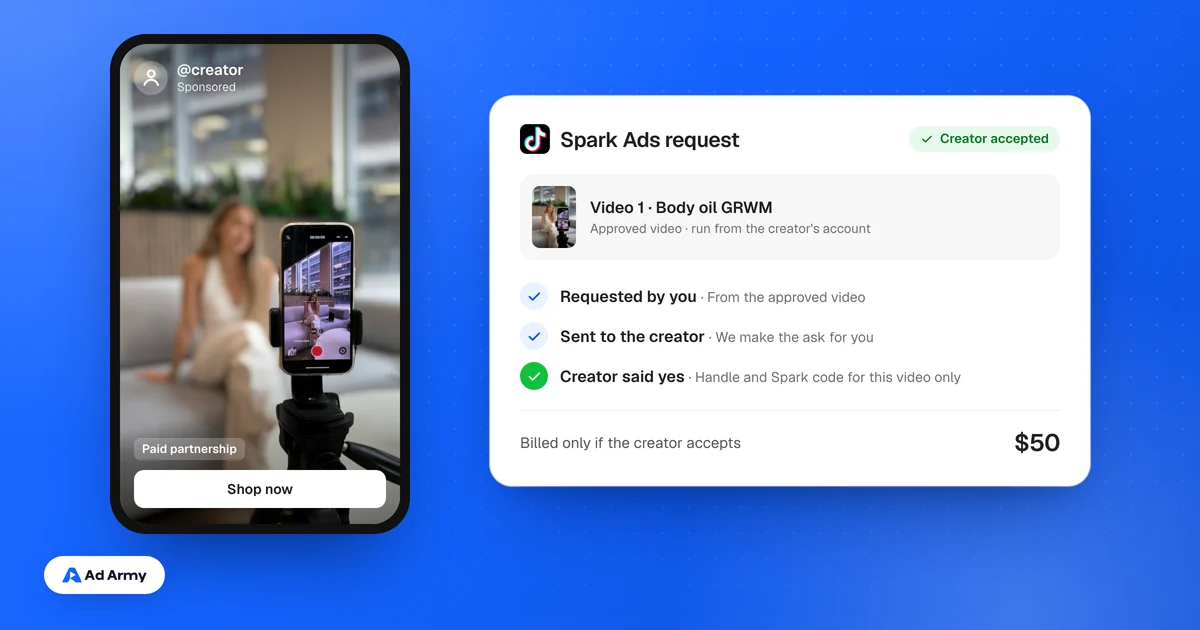
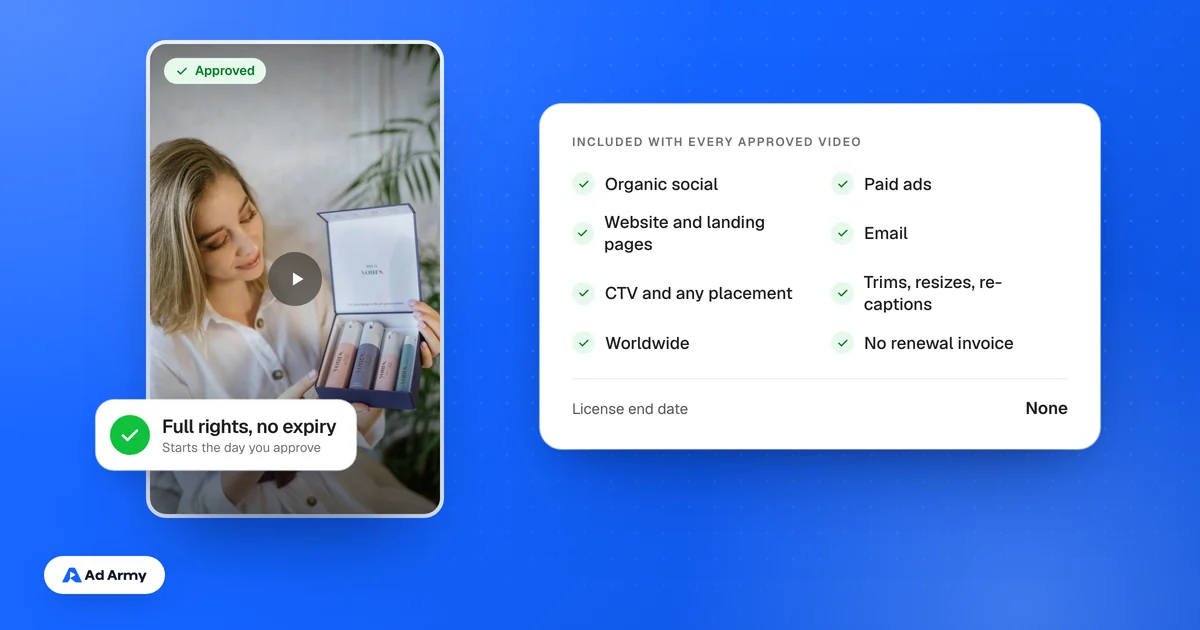
How Ad Army handles partnership ads
Every approved Ad Army video comes with full content rights, so you can always run it from your own ad account without a code. If you want the ad to run from the creator's handle, Ad Army requests the Meta partnership ad code or TikTok Spark code for that video. The creator decides; if they accept, it is a flat $50, and if they decline you pay nothing extra. Our guide to what whitelisting and Spark Ads cost explains why creators charge for it.